New Feature: Multiple Image Uploads
Not everyone has constant access to phone service or WiFi when out on and adventure. Not only that, but you probably have better things to do (like steering your kayak) than to be live posting a photo as you are floating down a river. You might, however, have enough time to snap the odd photo (or rapid fire a hundred of them) to capture the moment as you go. When you get home and want to upload a photo stream to an Outsideways journal, you now have the option to upload a bunch at once, creating a new journal entry for each.
When you click on the link to post a new journal entry, you will see the following at the top of the form:

As the instructions state, click on the "this form" link to go to the multiple upload form. The multiple upload form looks like this:
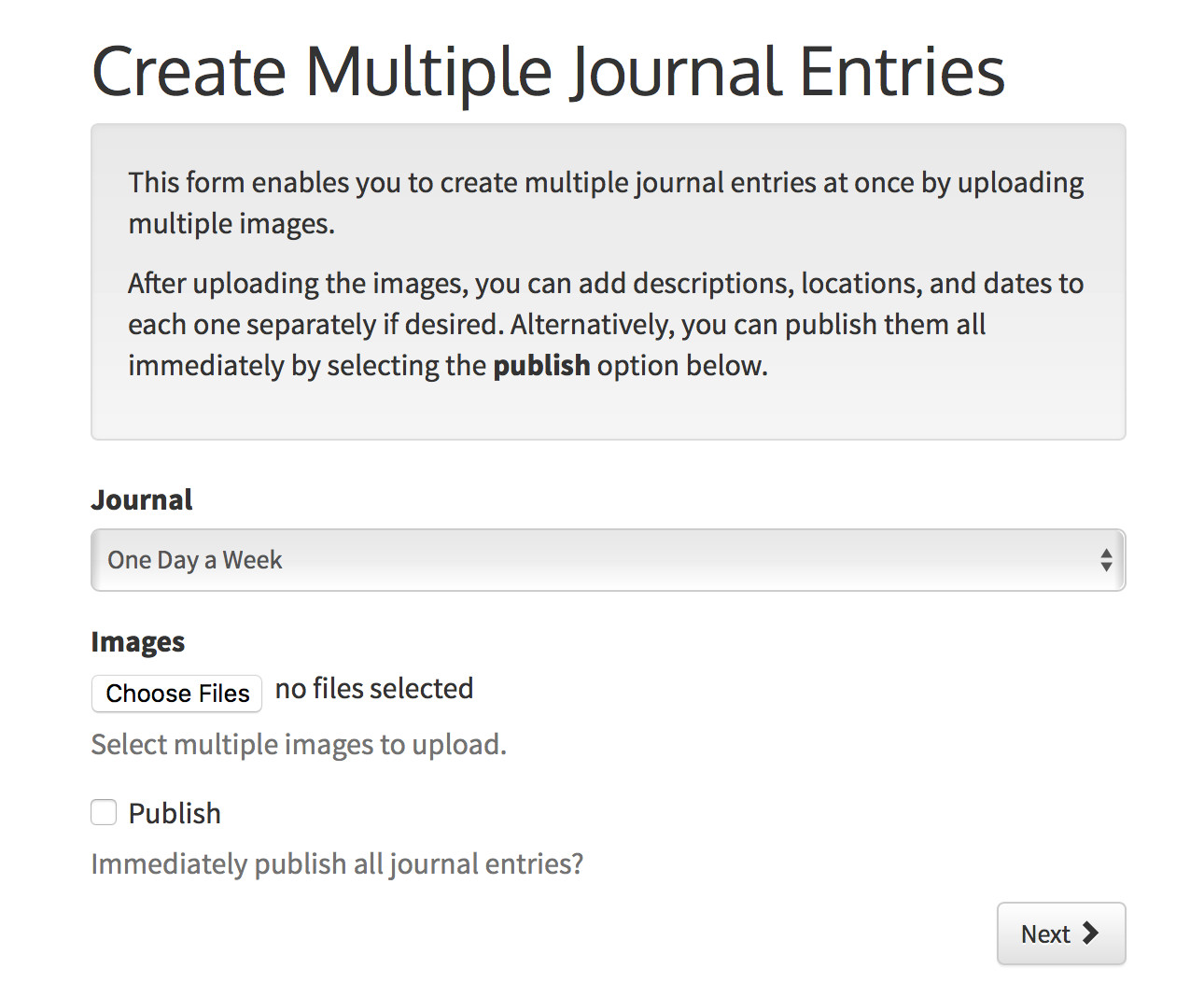
Select the journal to which you want the uploads to be attached. Next, select the photos you want to upload. After that, you can choose to automatically publish all of the photos by checking the publish box. If you don't select the publish box, all photos will be uploaded but unpublished. This gives you the opportunity to go through each one individually to add captions, locations, dates, and any other details you want before publishing.
If you have any problems and or suggestions for other features, don't hesitate to contact me or leave a comment below to let me know about them. Feedback is always welcome.


Follow us


Comments
You must login before you can comment.